

6 min read
There’s something deeply satisfying about a template that just works: the kind you can open, make your own in a few minutes, and use first thing tomorrow. The best Canva templates for teachers do exactly that. They make your classroom look polished and pulled-together without eating your evening, and these fifteen are the ones worth saving, grouped by what you actually reach for.
If you haven’t already, get Canva for Education. It’s completely free for verified K-12 teachers with full Pro features. Apply with your school email and you’ll be approved within 24 hours. Once you’re in, you get the full template library, premium elements, and the ability to share designs with students directly through Canva Classroom.
The 15 templates below are organized by function. Each one solves a specific classroom problem, and each one can be customized without any design experience.
Communication & Classroom Display

Classroom Newsletter. A weekly or monthly parent update with sections for announcements, events, and reminders. Set the format once, then swap the content each week in about six minutes. Use this template →

Class Birthday Chart. A twelve-month birthday display. Fill it in once at the start of the year and print it poster-size, so every student’s month gets celebrated. Use this template →

Word Wall Cards. Printable vocabulary cards, one word per card, color-coded by unit. Build a full set in the time it would take to hand-write five. Use this template →

Classroom Rules Poster. A clear rules poster students can read from their seats. Swap in your own expectations and print it for the wall. Use this template →

Welcome Sign. A welcome banner for your door or board that sets the tone on day one. Recolor it to match your room and print it large. Use this template →
Daily Classroom Routines

Visual Schedule & Center Cards. Labeled cards for your daily routine and centers, with simple icons. Print, laminate, and rearrange them as your schedule changes. Use this template →

Classroom Job Chart. A class-jobs board with a labeled card for every role, from board cleaner to book giver. Rotate names each Monday in under a minute. Use this template →

Hall & Bathroom Passes. Printable bathroom, hallway, office, and nurse passes with name, date, and time lines. Print a set, laminate, and keep accountability simple. Use this template →
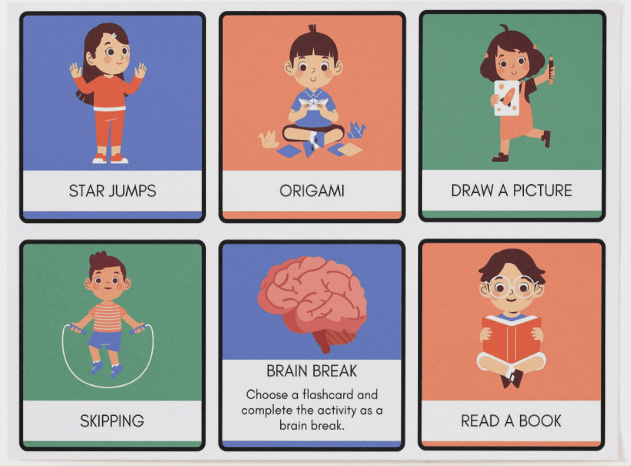
Brain Break Cards. Activity cards (star jumps, origami, skipping, and more) for quick brain breaks between lessons. Pull one when energy dips and reset the room in two minutes. Use this template →

Visual Cue Cards. Wearable cue cards on a lanyard (eyes on me, inside voice, line up, clean up), built as classroom-management support for students with autism. Flip to the cue you need instead of repeating yourself out loud. Use this template →
Assessment & Instruction
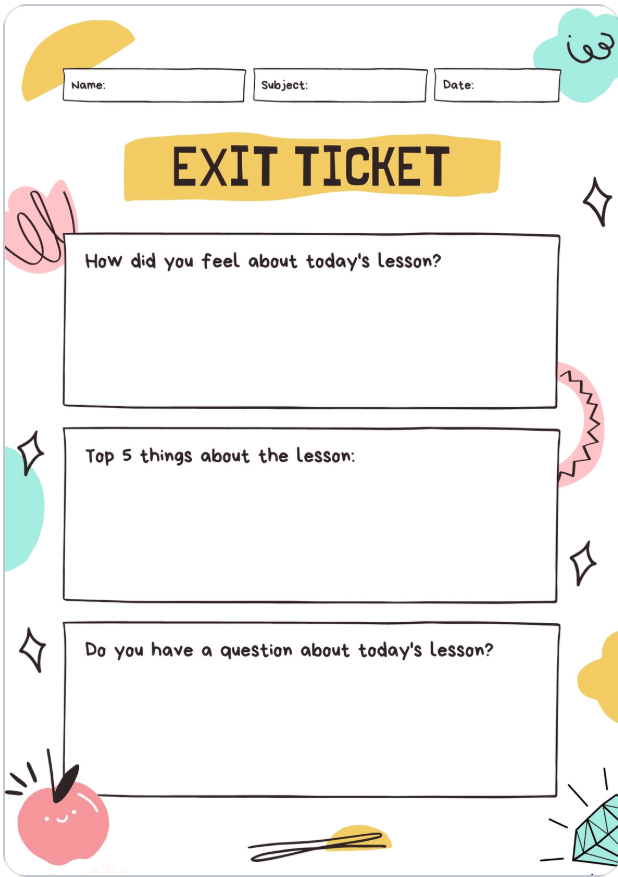
Exit Ticket. A quick end-of-class check with three response boxes. Project it in the last few minutes of class; students answer on paper, no printing required. Use this template →
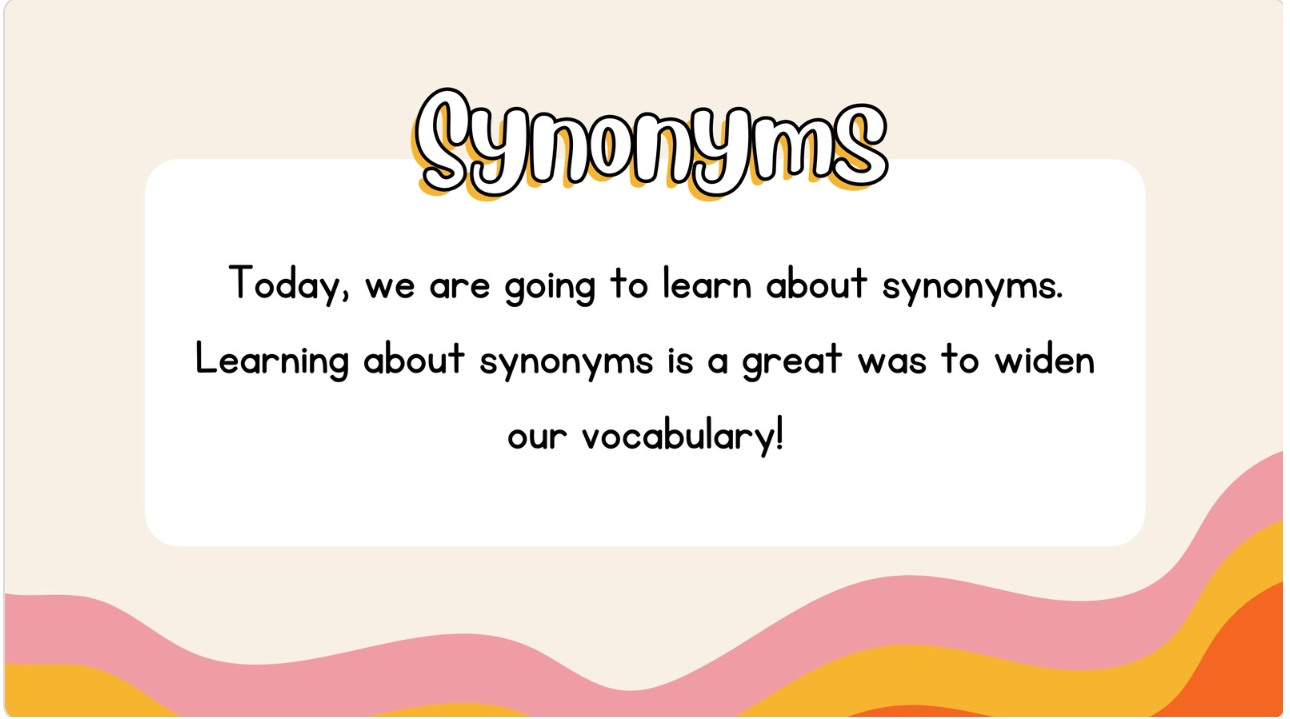
Lesson Slide Deck. A clean, consistent slide template for any lesson. Structure it around your flow, warm-up, instruction, practice, and reuse it instead of rebuilding decks from scratch. Use this template →

Main-Idea Graphic Organizer. A main-idea organizer with room for the central idea and three supporting details. Hand it out for reading comprehension, note-taking, or planning a paragraph. Use this template →

Writing Rubric. A four-point rubric (conventions, organization, ideas, word choice, on topic) you can adapt to any assignment. Hand it out so students see exactly how their work is scored. Use this template →
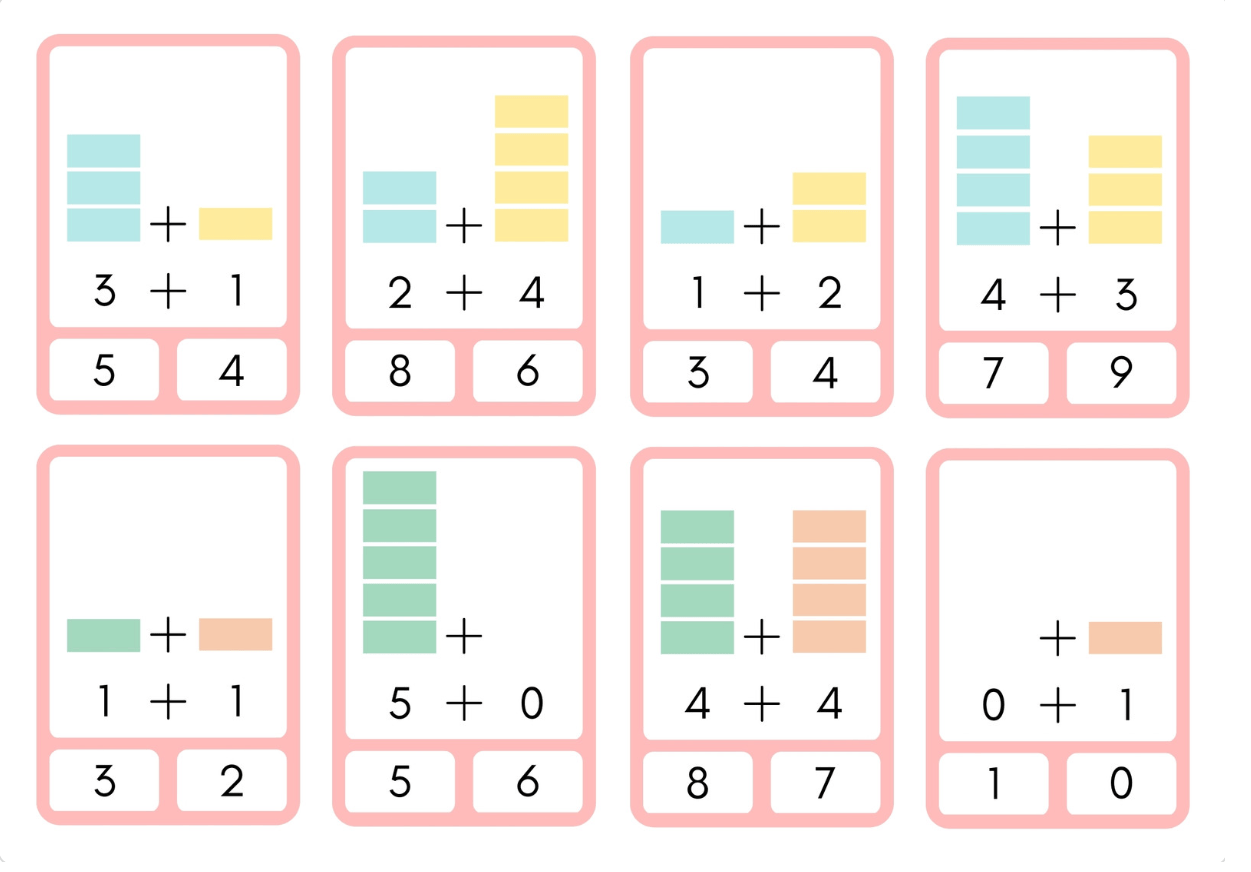
Math Fact Flashcards. Addition fact cards with cube visuals behind each problem, ideal for early-grade drills, math centers, or fast-finisher practice. Print, cut, and go. Use this template →
Making These Templates Work Over Time
The teachers who get the most out of Canva aren’t designing 15 things in a weekend. They start with the one template that solves their most immediate problem, use it for a week, and build from there. Before you edit any template, duplicate it and keep a blank master copy. Name your files clearly. “Exit Ticket, Math, Master” is findable in 10 seconds. “Untitled Design 47” is not. Organize designs into folders by function: one for classroom management, one for instruction, one for parent communication.
Student achievement certificates and behavior reflection sheets are worth building early. For certificates, specificity matters more than design. “You mastered long division this week” lands differently than “Great job.” For reflection sheets, a template with prompts like “What happened?” and “What will you do differently?” structures the conversation and gives you something to reference before a student returns to the group.
The setup you do now carries forward. A seating chart template you build in September is the same one you update in January. An exit ticket format you design for one unit becomes the model for the next. That’s the real value: not 15 templates made in a weekend, but a system that gets easier to maintain the longer you use it. Pick one template from this list that addresses something you’re dealing with this week. Customize it for your classroom. Use it tomorrow. Done is more useful than perfect, and 5 minutes in Canva is almost always enough to get there.
Try This Free Tool
RazaEd offers free AI-powered literacy tools for K-12 teachers, including differentiated reading passages, comprehension questions, and vocabulary activities for any grade level.
Related Reading
- Creating Vocabulary Activities with AI
- 10 Best AI Tools for Teachers in 2026
- Teaching Students to Evaluate AI-Generated Information
Cite This Article (APA)
EdTech Institute. (2026, February 17). Canva for Teachers: 15 Templates You'll Actually Use. EdTech Institute. https://edtechinstitute.com/2026/02/17/canva-for-teachers-15-templates-youll-actually-use/